
Contractor Management Software
Manage All Contractor Details With Prometheus Contractor Management
Contractor Cost Tracking
Streamline data capture, tracking, review, approval, and payment processes to increase ROI and operating cost savings.
- Save time entering and reviewing/correcting time, attendance, and cost data.
- Eliminate errors in the invoicing process.
- Leverage accurate, current data to improve contract negotiation.
- Gain streamlined access to pertinent data and documentation to quickly review and approve/reject invoiced costs.
- Expedite contractor payments.
- Enter data on-the-go with mobile capabilities.
Gate Reconciliation
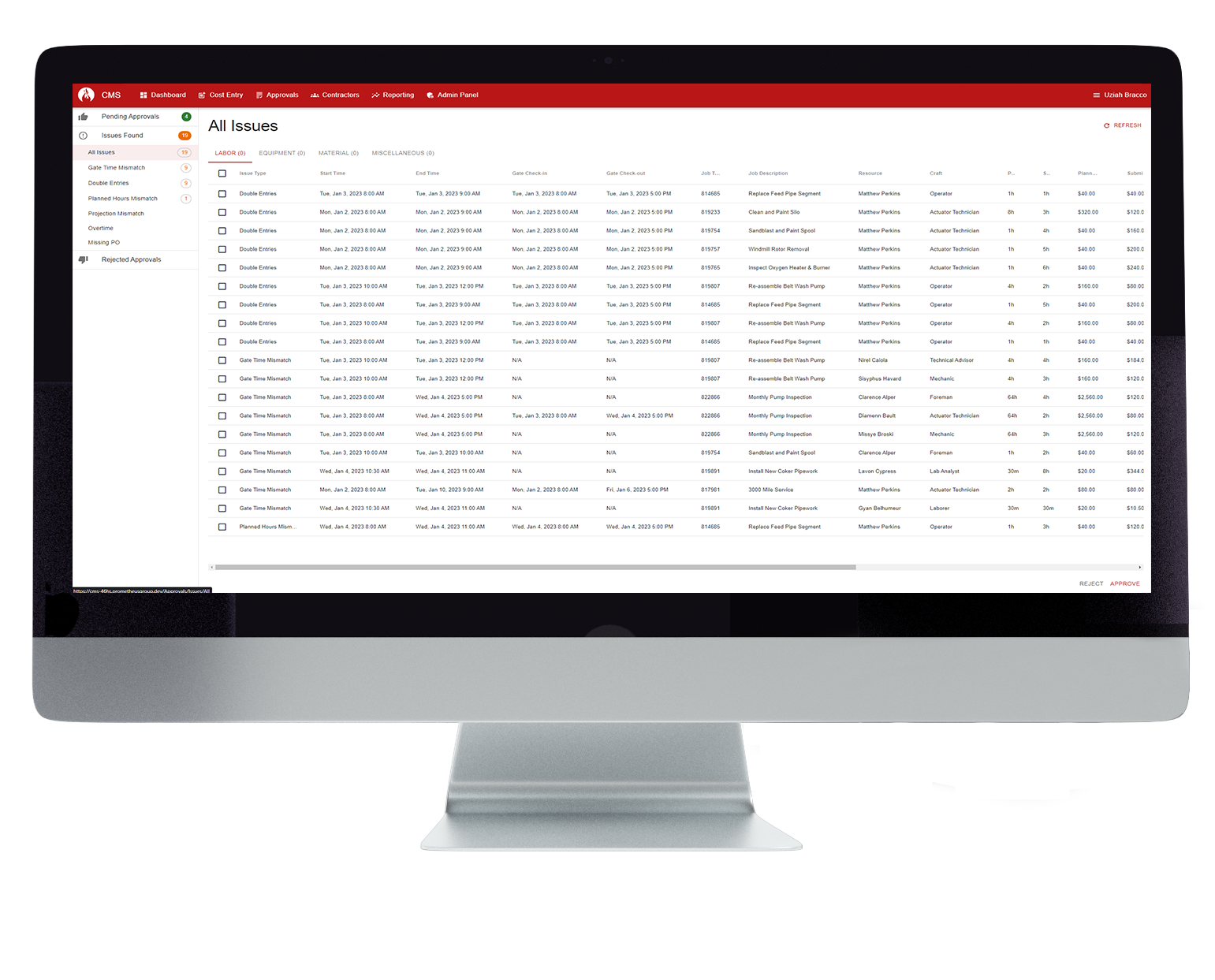
- Sync gate data with contractor management for improved accuracy.
- Automatically flag time entries that do not match gate time.
- Review and correct inaccurate time entry information.
Contractor Onboarding
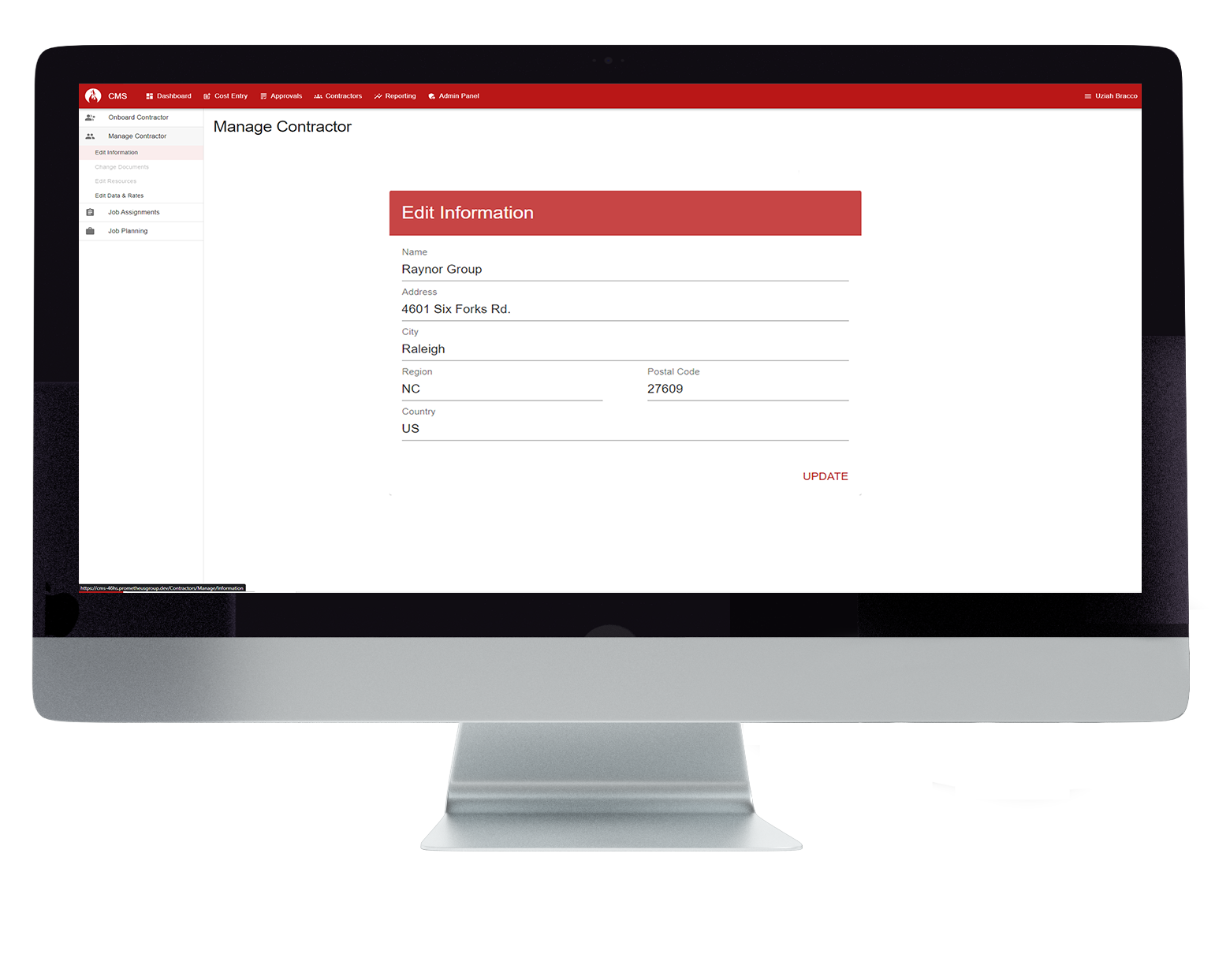
Manage your contractor onboarding in one place so that you have all of the necessary details about each contractor before they begin performing work.
- Verify contractors have correct insurances to perform specified work.
- Gain information about contractor qualifications.
- Contractor skill level by trade to ensure they can perform certain tasks.
Contractor Management
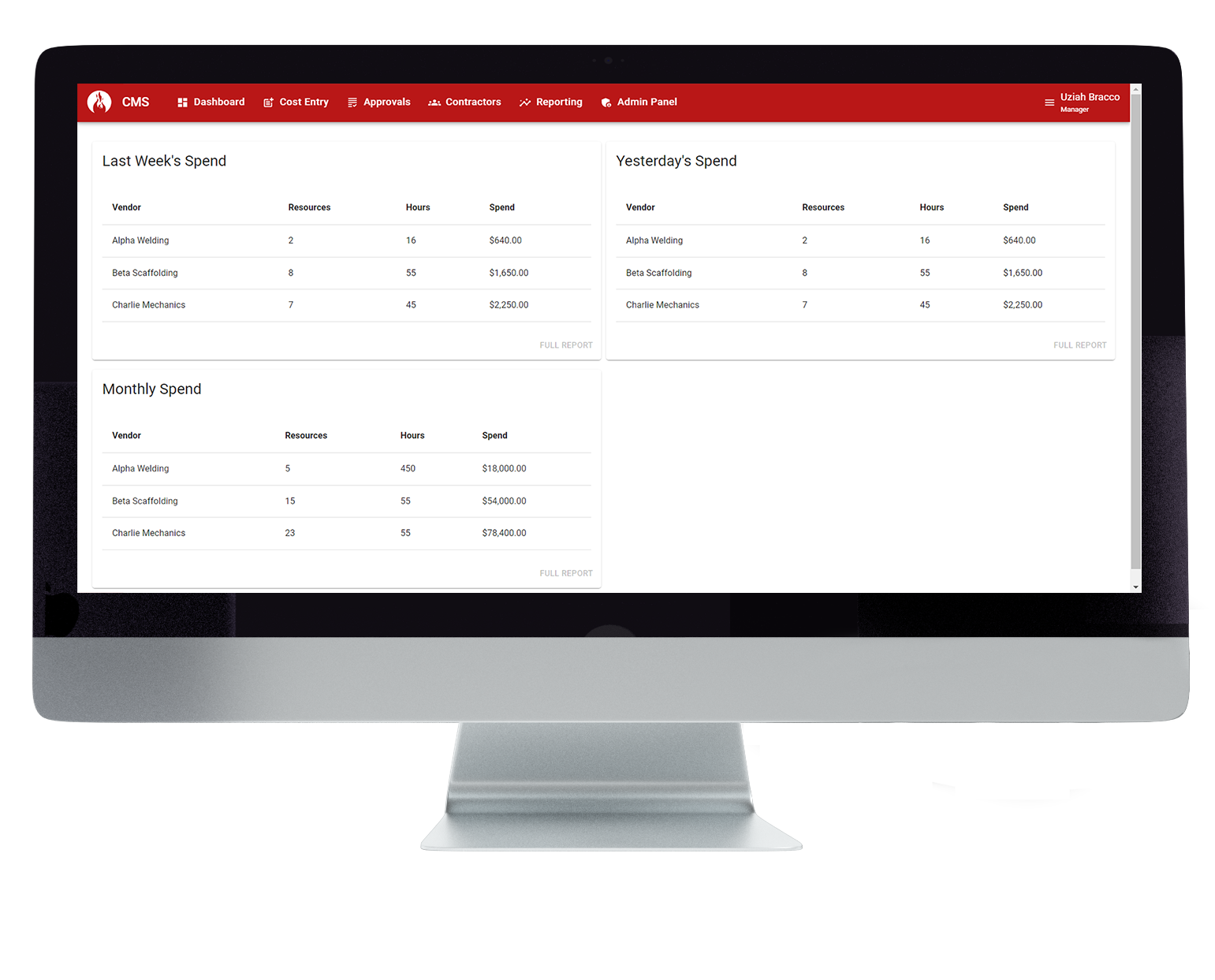
Manage all facets of your contractors in one integrated contractor management system to maximize efficiency and improve accuracy of contractor rates and time.
- Create new vendors directly in Contractor Management.
- Define set approval workflows for contractor labor, materials, and equipment.
- View history associated with all transactions such as who submitted, what time it was submitted, and approval or rejection notes.
Resource Qualifications
- Attach correct documents and details to each contractor profile.
- Track individual contractor performance and attendance.
- Enable contractors to update their qualifications.
Job Assignments
Job Bidding
Easily view and accept contractor job bids in one place and gain visibility into historical information.
- Review and manage Requests for Quotes (RFQs).
- Manage vendor acceptance directly within Contractor Management.
- Track history of transactions, rate proposals, and other bid details.
Contractor Job Planning
- Provide daily job reports and job plans to contractors.
- Create daily projections of resources based on craft and shift.
- Gain visibility into discrepancies in projections and details entered.
Benefits

Seamless integration with existing systems
Integrate with major ERP systems such as SAP, Maximo, and Oracle.

Keep maintenance on-track and on-budget
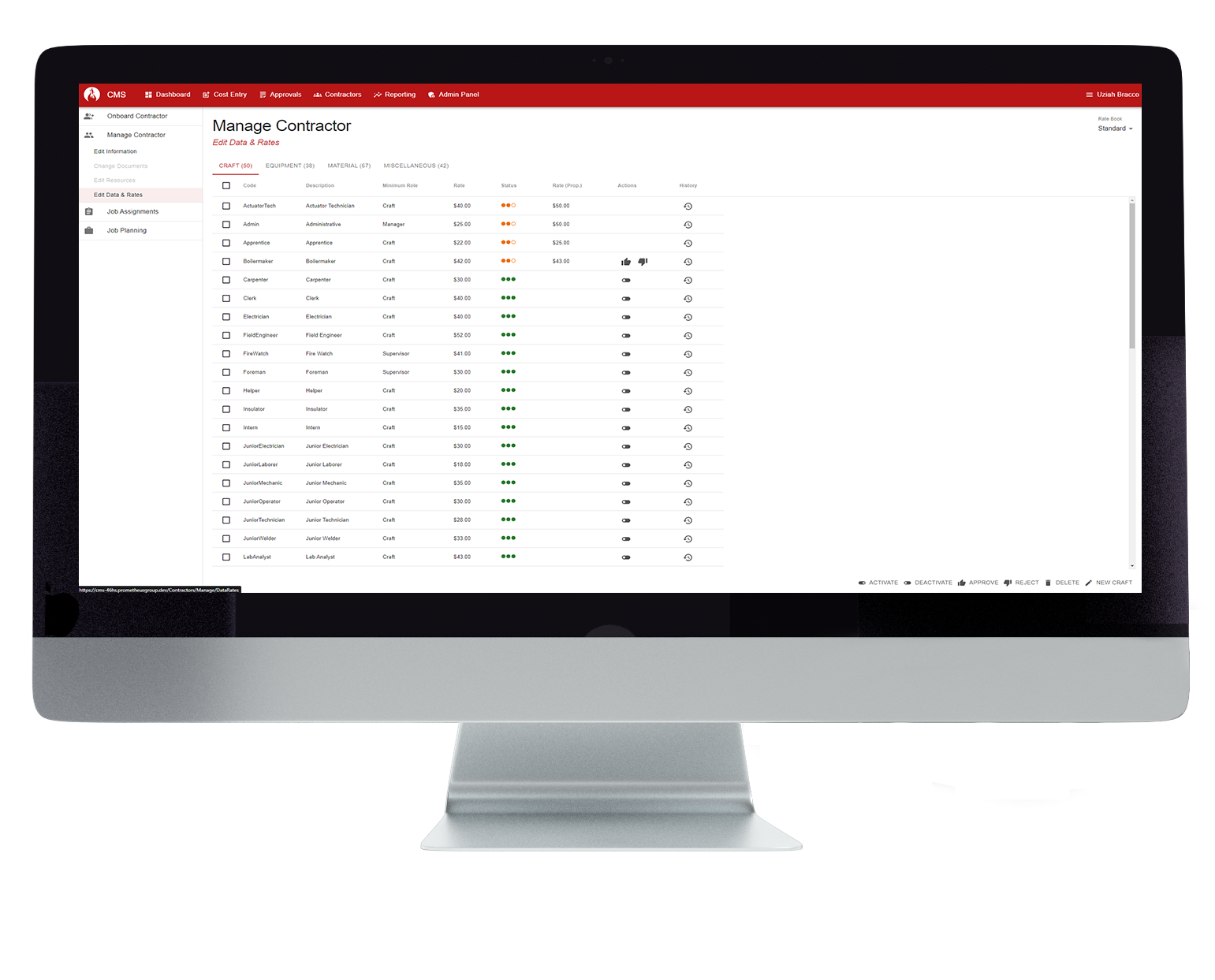
Track contractor labor and material costs and compare to previous contractor rates.

Manage complex shift assignments
Handle overtime and shift assignments directly within the system.

Easily configure screens and business rules
Configure user settings and business rules to your specific contractor management process.

Track and compare contractor performance
Track contractor metrics like cost, attendance, performance, and more.
Featured Customers
Join 50,000+ Users Across the Globe in Achieving Maintenance Excellence